Read any skill.
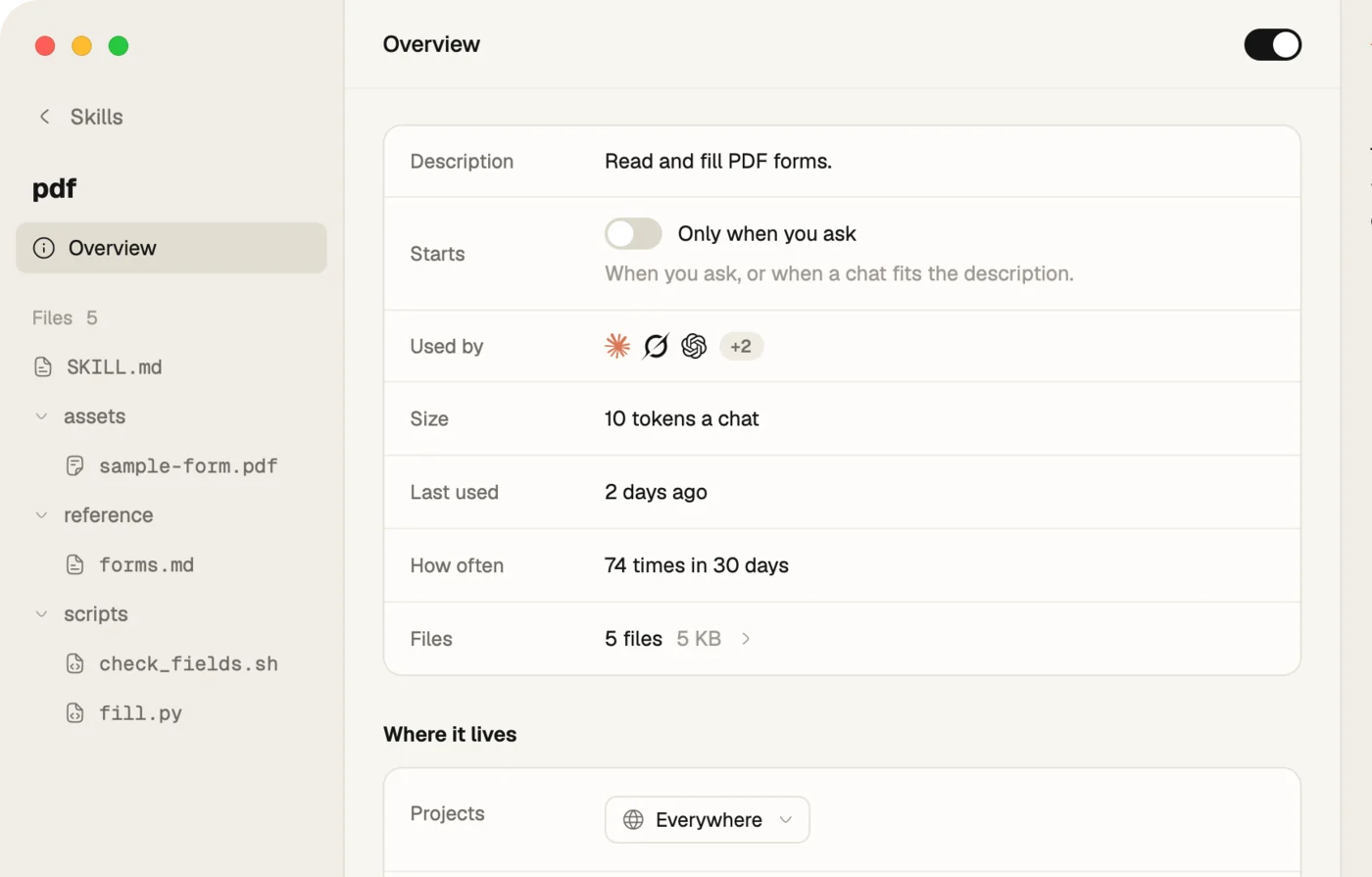
Open one and see what it does in plain words, which providers read it, and how often it runs.

Skills, MCP servers and rules for every AI, the same on every machine.
Join the waitlistEach skill, rule and MCP server is kept once, and every provider gets the same.
Fleet unloads what slows every chat down, and keeps the deck clear.
Change it on one. The others follow. Encrypted on the way.
Sign in on a new machine and it's set up in a few clicks.
Open one and see what it does in plain words, which providers read it, and how often it runs.
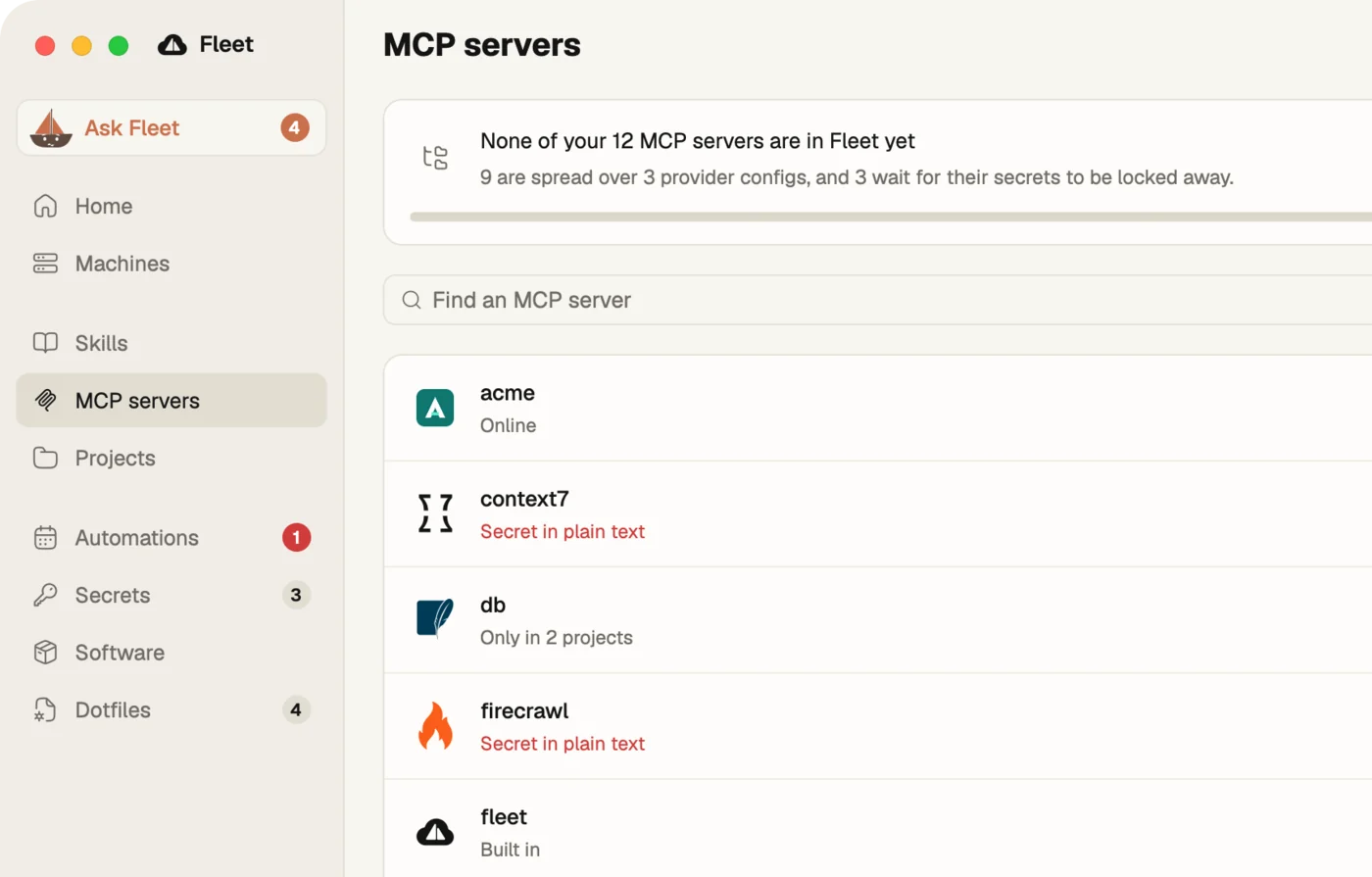
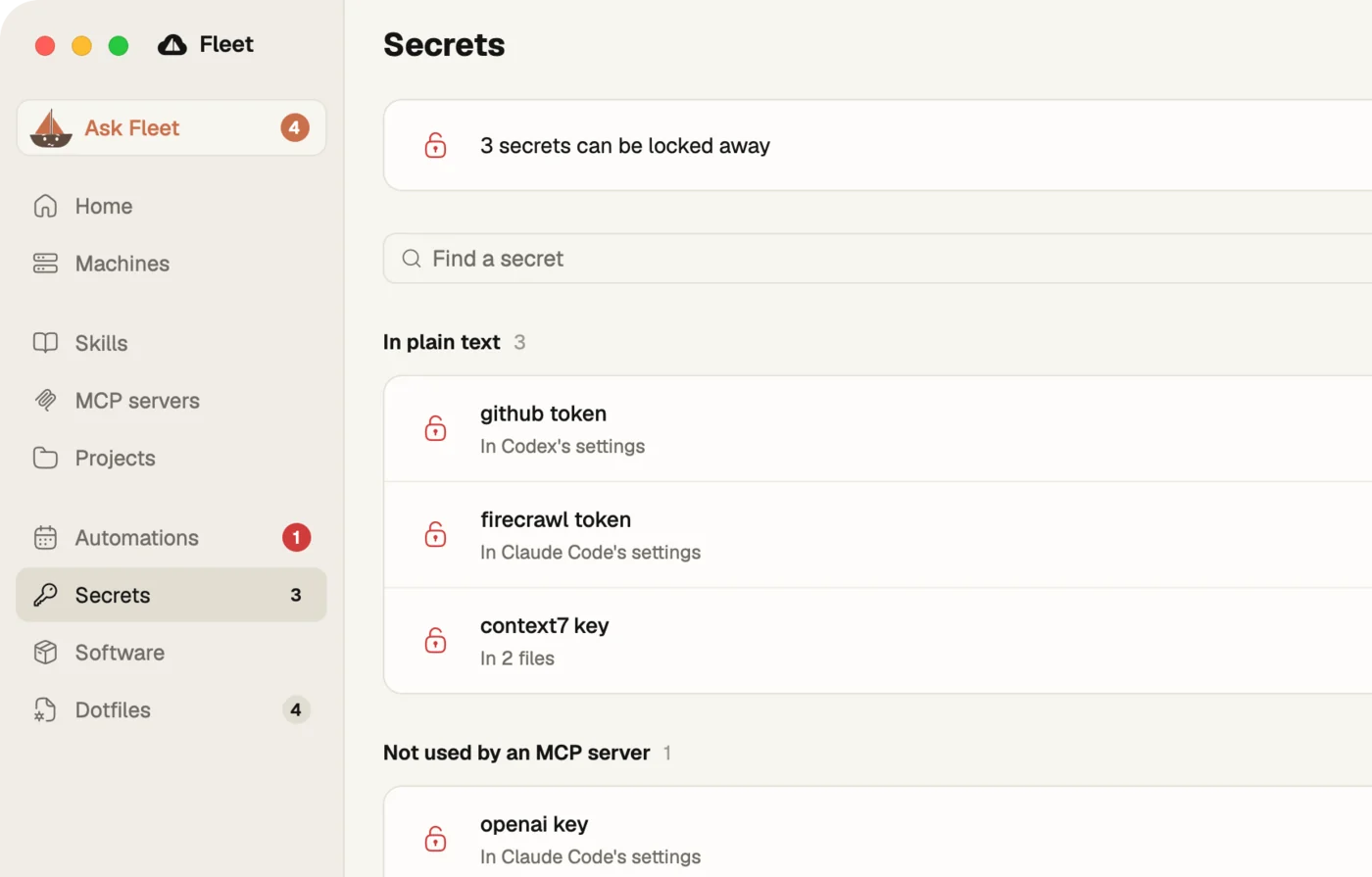
What each one weighs, when you last used it, and which keys sit in plain text. On or off in one click.
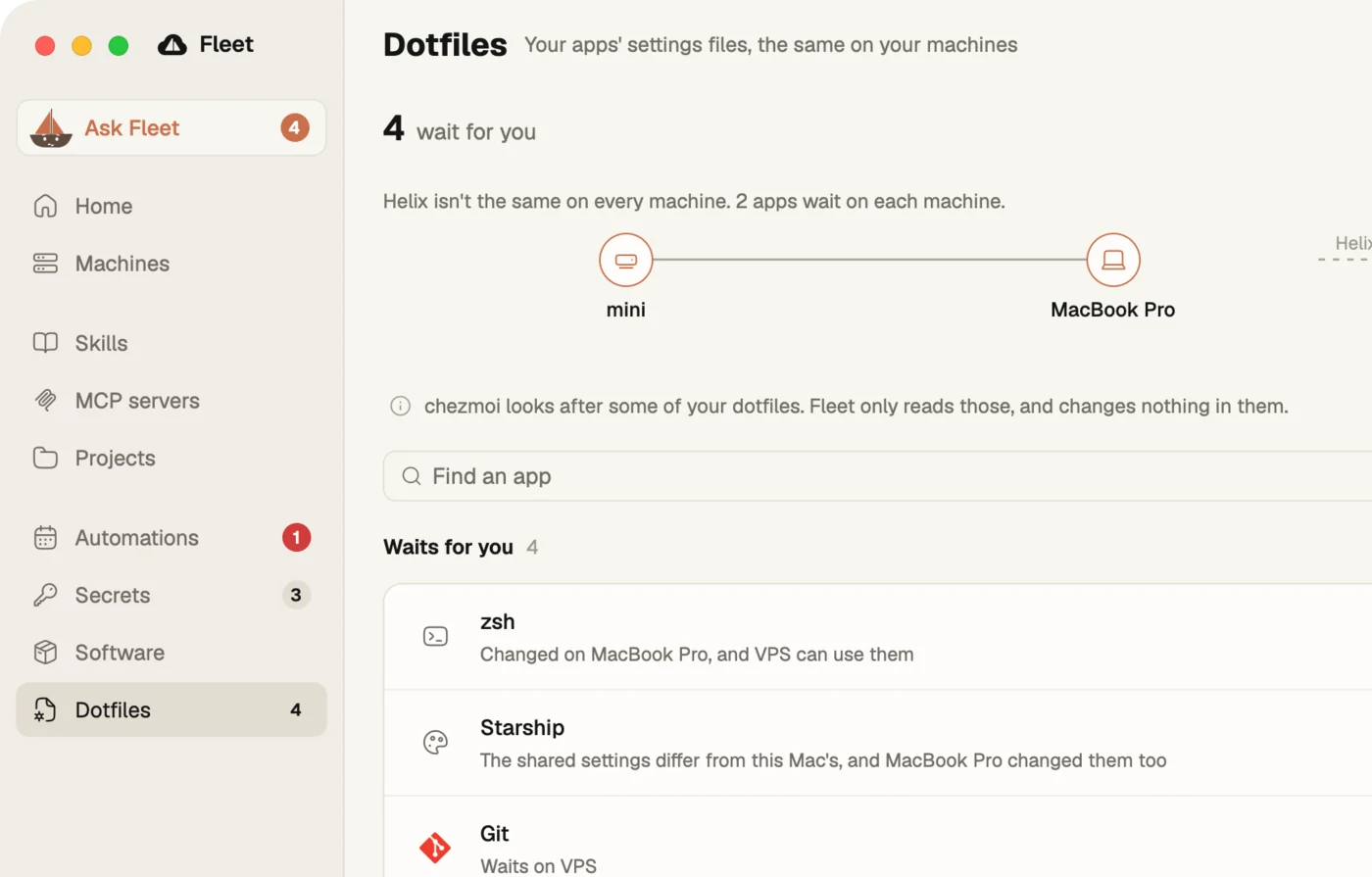
Git, SSH, your shell and your terminal. The same everywhere, or a version for one machine. A change that runs code waits for your click.
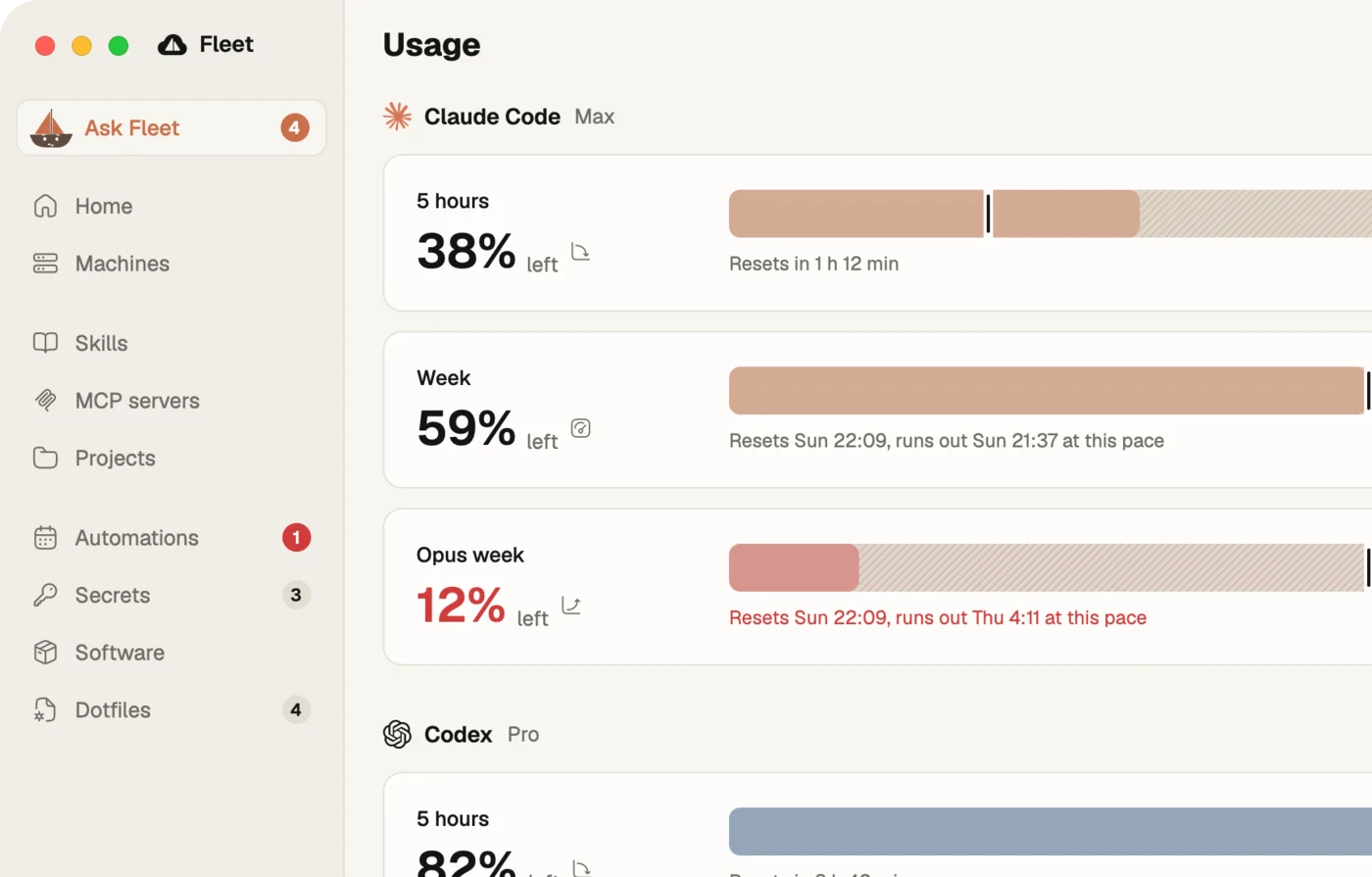
What each provider costs at API price, and how much of each plan is left. Your limits sit in the menu bar too.
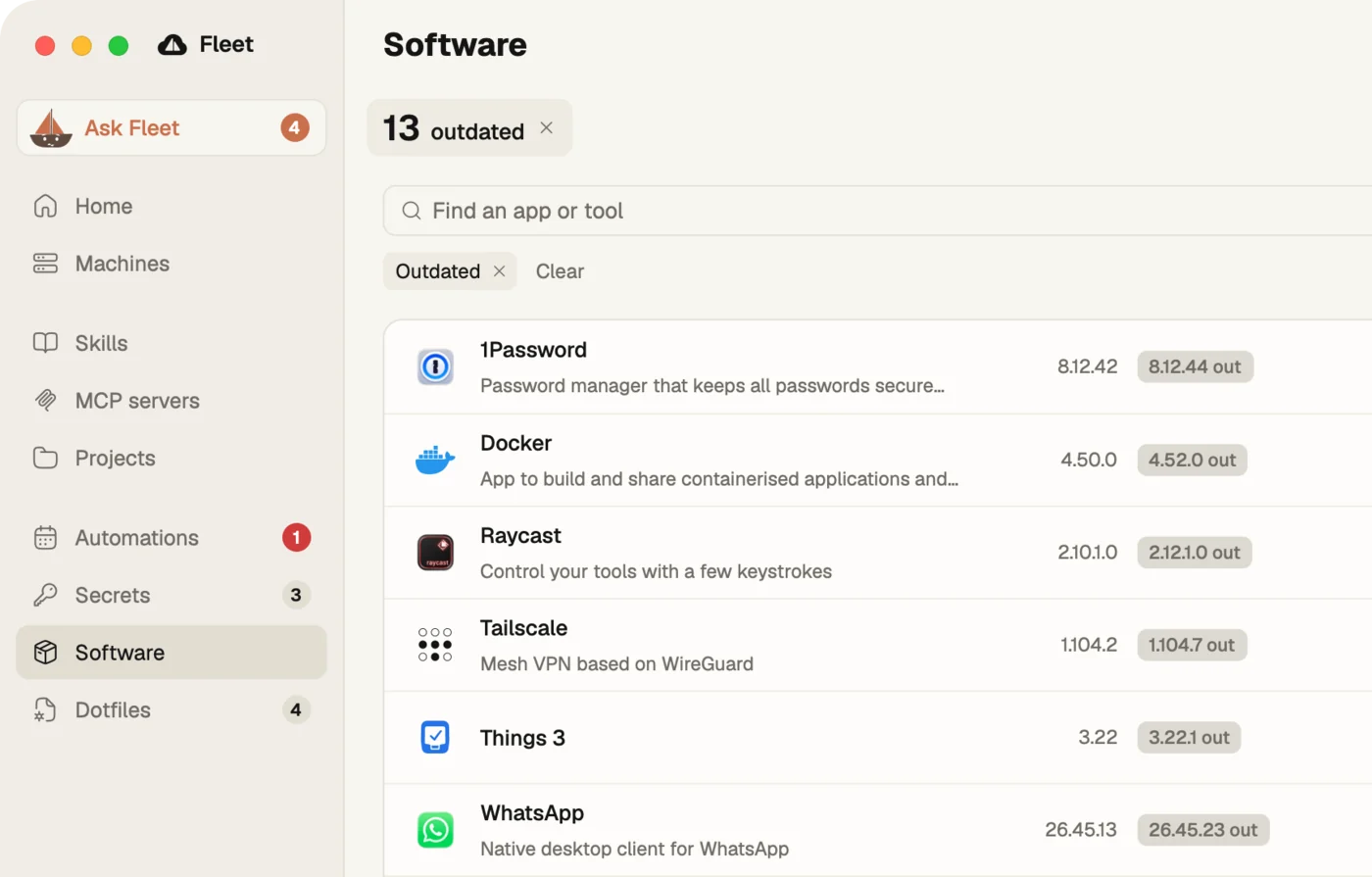
Every app and tool on the Mac: what's outdated, what's installed twice, and Update in one click.
Keychain, 1Password or Bitwarden, your pick. Lock away takes keys out of plain files, and shows any it can't move.
 Fleet
Fleet uses the provider you already pay for.
Values live in Keychain, 1Password or Bitwarden. Fleet only keeps their names.
Every change to your setup has Undo except an update, which no package manager can take back.
The scan and the fixes run without it.
Your setup is plain text on your Mac, not locked inside an app. Uninstall Fleet turns it all back into real files.
Every feature, free for individuals. Open source once Fleet is stable.

Fleet for Mac. December 15.
 You're on the list.
The waitlist gets the beta a week early. We'll email you when it's your turn, and now and then after. Privacy